Mac audio permission and setup
SoundDial needs one Mac audio permission to set each app's volume, and its guided setup turns it on and then tests that it really works.
A per-app volume app has to reach every app's sound. On macOS 14.2 and later, macOS allows that through an audio-capture permission that you grant once.
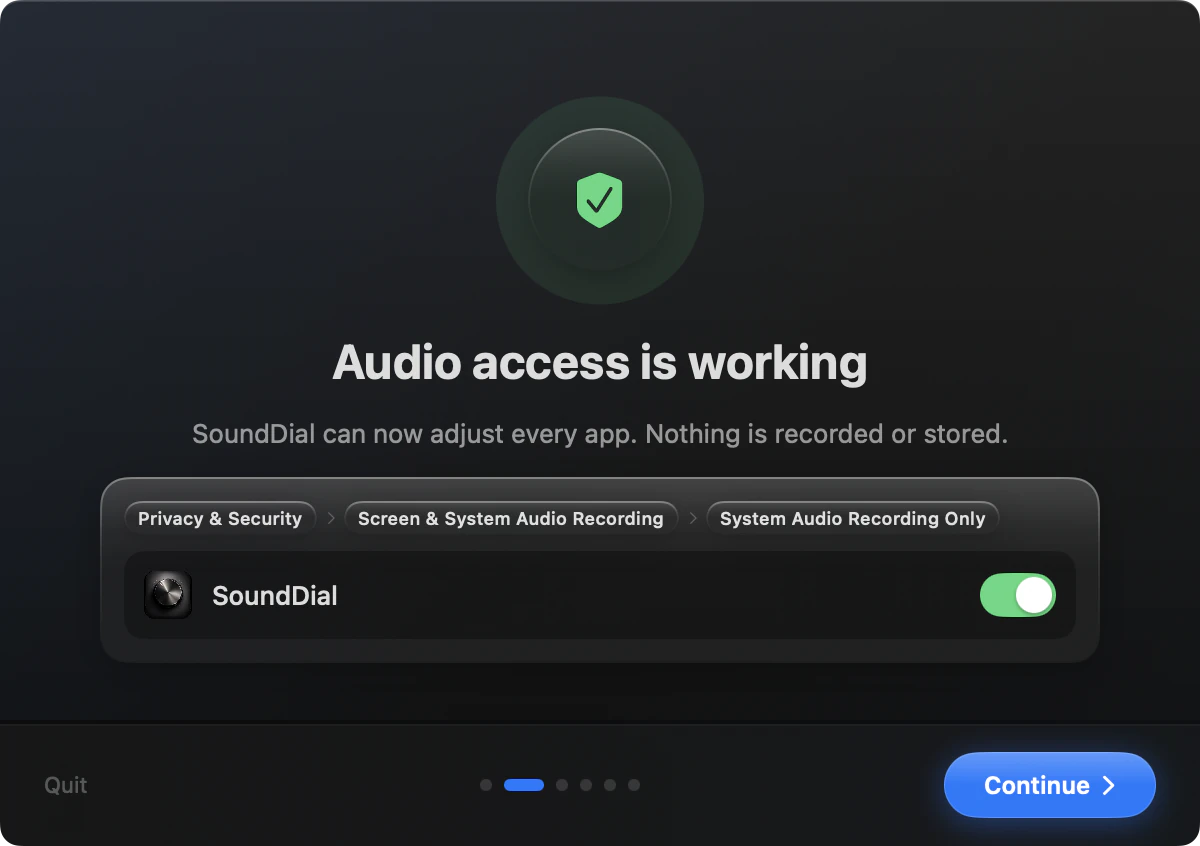
The guided setup, page by page
- Welcome: what SoundDial does
- Grant Access: the permission, with Open System Settings and help if it does not work
- Try it: a soft test sound and a slider from 0% to 200%
- Calls: “Lower other apps during calls” and its level
- Shortcuts & startup: the two hotkeys and “Start SoundDial when I log in”
- You're all set: four tips for the menu bar
Access is checked for real: SoundDial tests that it can adjust audio, not only that a switch is on. If it cannot, the Grant Access page offers Open Settings, Restart and Email Support, or you can continue without audio access, in which case the sliders do not work.
What the permission is used for
SoundDial uses audio access to set each app's level, EQ and balance. It does not read or record microphone audio. To spot a call, it uses the macOS signal that an app is using audio input. SoundDial is sandboxed and has no network access.
If it stops working
- The menu shows “Audio access isn't working” with a Fix It button that opens the right setup page
- Settings > Setup & Help shows the status and has Check Again and Open Guided Setup
- Email Support and Copy Diagnostics send or copy a report with technical details, no audio and no personal data
Before setup is finished, the menu says “Finish setup to control app volumes” with Continue Setup. With access working and nothing playing, the list says “Nothing is playing right now”.
Start at login
Turn on “Start SoundDial when I log in” on the last setup step, or “Launch SoundDial at login” in Settings > General later. SoundDial lives in the menu bar; “Show SoundDial in the Dock” is off by default.
Read more on this
FAQ
Does SoundDial install an audio driver?
SoundDial does not install a virtual audio driver. It works through the audio permission of macOS 14.2 and later.
Where do I turn the permission on later?
Open SoundDial's Settings > Setup & Help and click Open Guided Setup; the Grant Access page has a button that opens System Settings.
Does SoundDial listen to my microphone?
No. It does not read or record microphone audio.
SoundDial: a volume slider and mute button for every app.
€14.99 one-time purchase · macOS 14.2+ · no subscription